Part of Vivaldi Studio · the workbench
Vivaldi Music Workshop
Metronome, tuner, trainer, and practice tracker — four tools (and more) in one app.
Built for musicians and music students who want everything in one place without compromising on any of it.
Free to download. Premium features available.



















Everything organized by instrument
Play sax AND clarinet? Every feature in Vivaldi is organized per instrument. Your metronome presets, tuner transposition, practice statistics, recordings, and exercise progress are all tracked separately for each instrument you own.
Switch instruments with one tap and your entire workspace adapts: correct transposition, appropriate range for exercises, per-instrument statistics, and filtered recordings.
21 preconfigured instruments across 4 categories — Woodwinds, Brass, Strings, and more. Each with correct transposition, range, and clef. Plus you can add your own custom instruments.
Woodwinds
Flute, Oboe, Clarinet, Sax...
Brass
Trumpet, Horn, Trombone...
Strings
Violin, Viola, Cello...
Other
Piano, Voice, custom instruments...
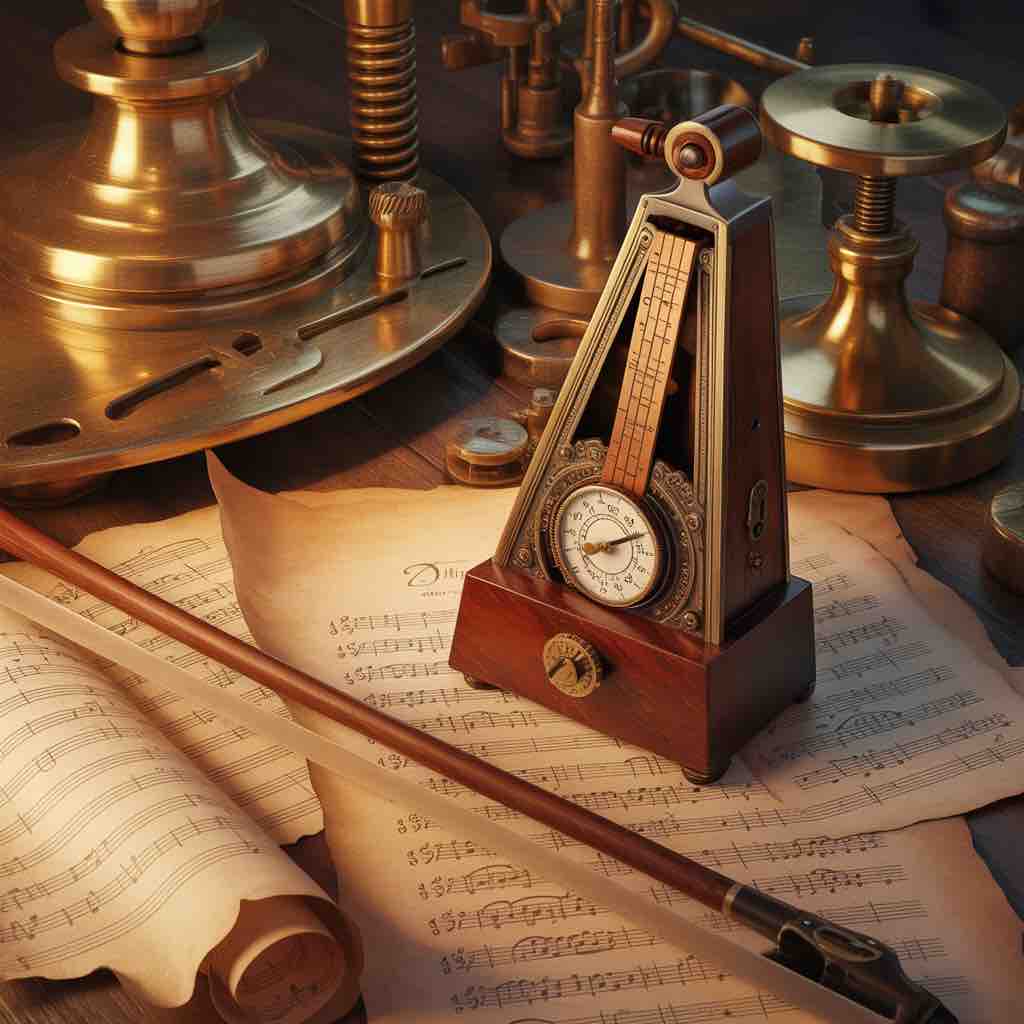
Metronome
Not just a click track. Probably the most complete metronome on the App Store.
- BPM, time signatures, subdivisions - Obviously
- Presets and custom presets — Not everyone has that
- Accents on every beat AND subbeat
- Counting voices that say.. (ok, try it to know) - Does any other metronome talk to you?
- Advanced sound mode — a mini drum machine with Rock, Jazz, Latin presets - Nobody else does this
- Record your own sample, trim it, use it as a click - Know any other?
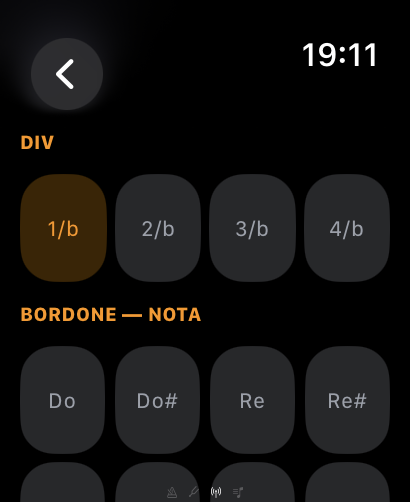
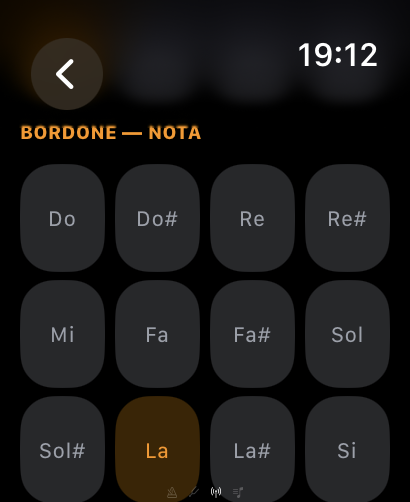
- Built-in drone with intervals (III, V, VIII) — No second app needed
- Pitch detection while the metronome runs — find that on another metronome, I dare you
- Pitch + drone + metronome at the same time (experimental — and it works)
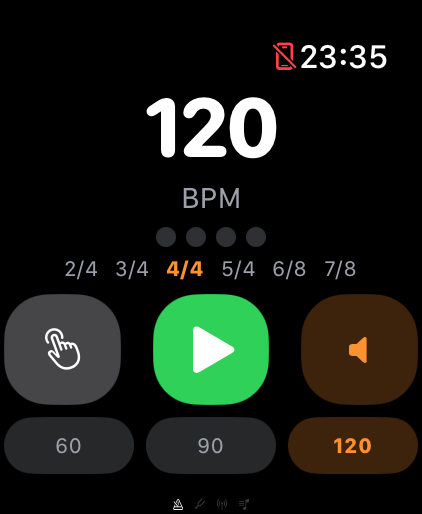
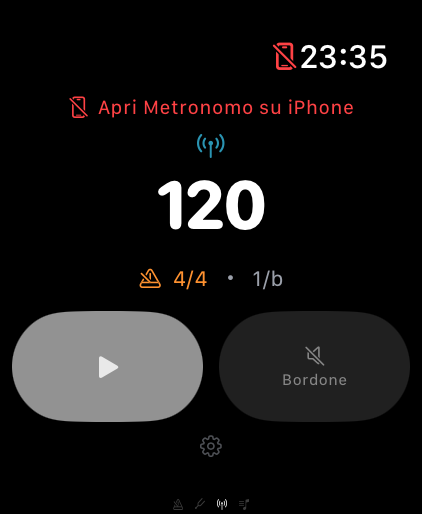
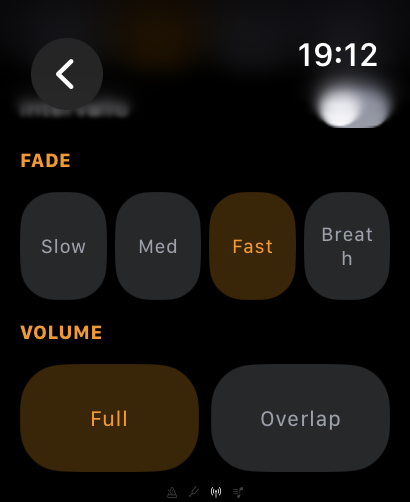
- Apple Watch: metronome, drone, and remote control from your wrist

Tuner / Pitch
Professional chromatic tuner with historical temperaments.
- Real-time pitch detection with YIN algorithm
- Nixie-tube style note display
- VU meter with cents deviation
- 3 temperaments: Equal, Just Intonation, Pythagorean
- Configurable A4 reference (430-450 Hz)
- Instrument transposition presets
- Audio session recording with pitch data
- Educational temperament comparison sheets
Maestro
Your personal music trainer with adaptive difficulty.
- 6 practice areas: Intonation, Tempo, Note Reading, Scales, Performance, Ear Training
- 12+ exercise types with progressive difficulty (levels 1-5)
- Melodic and harmonic interval recognition
- Rhythm echo (tap and visual modes)
- Sight reading with real notation
- Contour recognition and melodic dictation
- The Maestro is watching you... (can you guess why?)
- Resume last session instantly

My Studio
Your personal practice dashboard and recording archive.
- Drag-and-drop customizable dashboard
- Practice statistics per instrument and exercise
- Audio recording with waveform visualization
- Instrument catalog with custom instruments
- Circle of Fifths interactive reference
- Scale reference library
- iCloud sync for sharing sessions
- Intonation charts and progress tracking
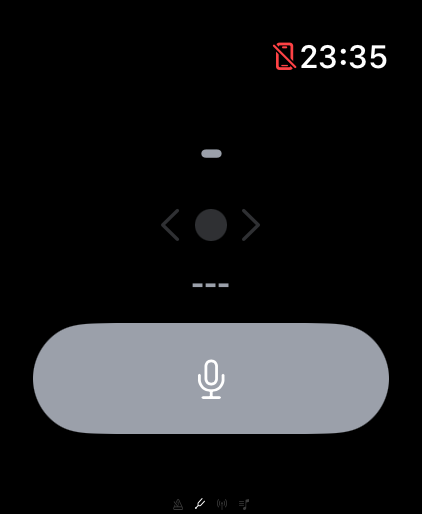
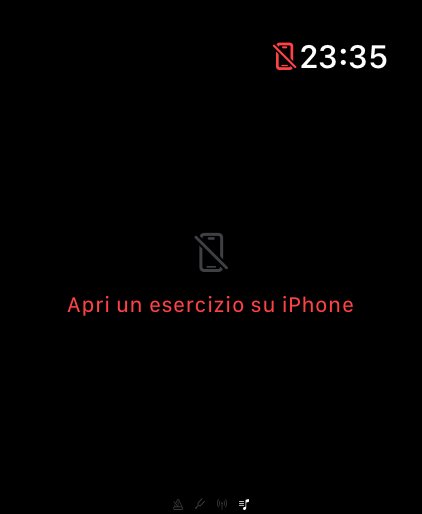
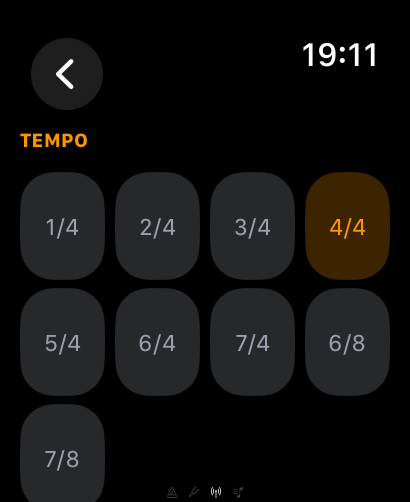
Full Apple Watch companion
Four modes on your wrist — no need to touch your phone while practicing:
One last thing: everything is drag & drop. Don't like the order? Move it. It's your app, not ours.